Smart scheduling, workload tracking, and tasks in one place. Fully offline, maximum privacy, and AI photo timetable extraction.
Take control of your learning journey
Forget about messy screenshots and missed deadlines. StudyAssistant merges your university or school schedule with homework, helping you maintain balance and avoid burnout.
What's inside
Everything for peak productivity
From a smart vision parser to an integrated AI coach — StudyAssistant is built to save you time.
AI AssistantAsk 'What’s due tomorrow?' or tell the AI to create a task. Powered by DeepSeek.
Offline-First & PrivacyNo accounts needed. Your schedule and chat history stay on your device, not in the cloud.
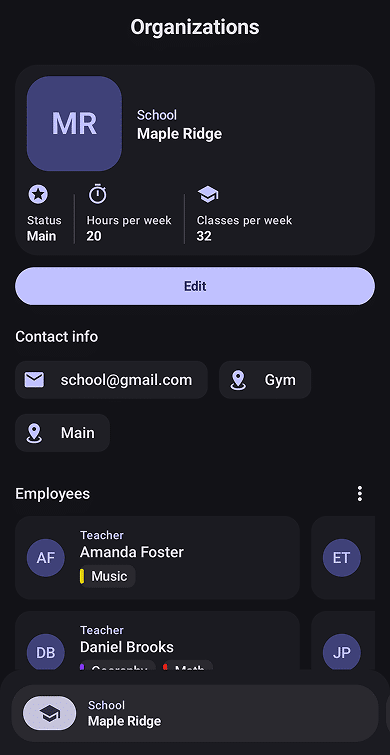
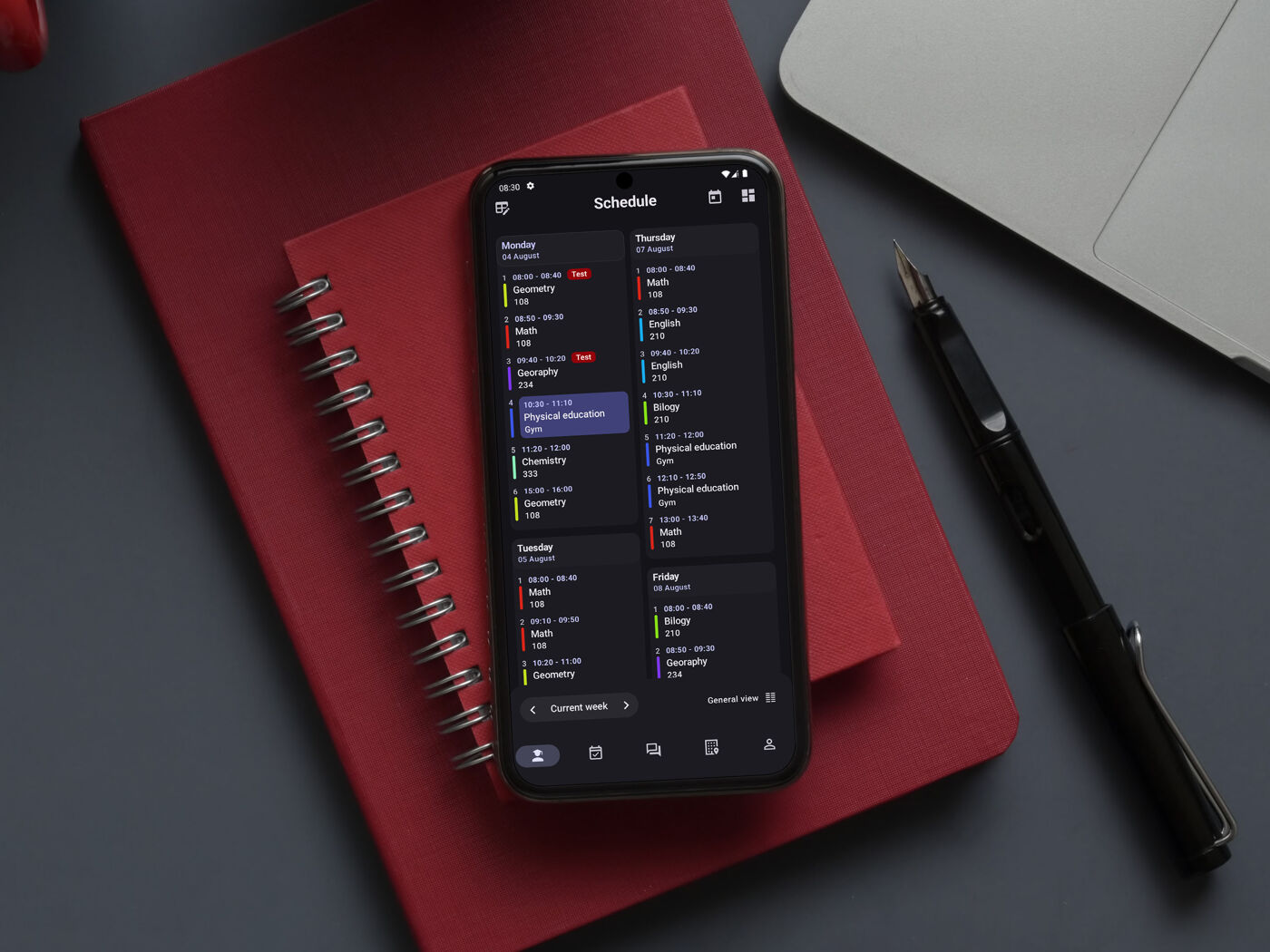
Smart SchedulingSupport for odd/even weeks, holidays, and multiple organizations (e.g., college and extra courses).
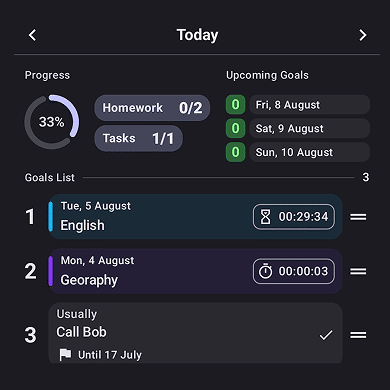
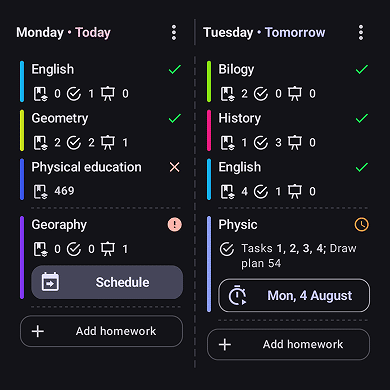
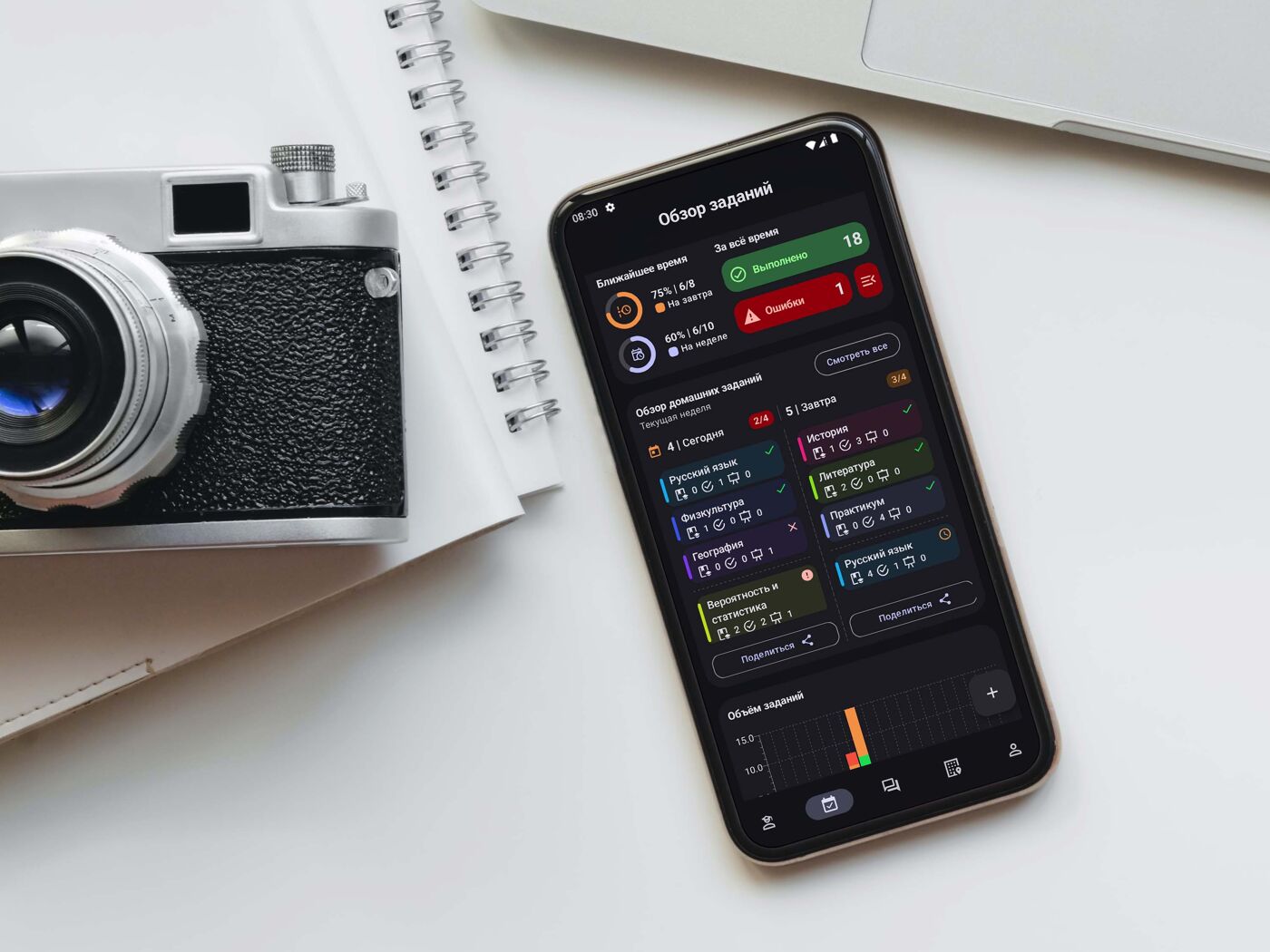
Homework & TODOsLink assignments directly to classes, set priorities, and use built-in focus timers.
Photo Timetable ImportSnap a photo of the whiteboard or upload a screenshot — AI extracts subjects, rooms, and times automatically.
QR Code SharingShare your schedule and homework with classmates via secure temporary links.
Workload ControlThe app analyzes your tasks and warns you if your schedule becomes too overwhelming.
Material Design 3Modern adaptive UI, dynamic colors, dark mode, and perfect layout for foldables and tablets.
A schedule that adapts to you
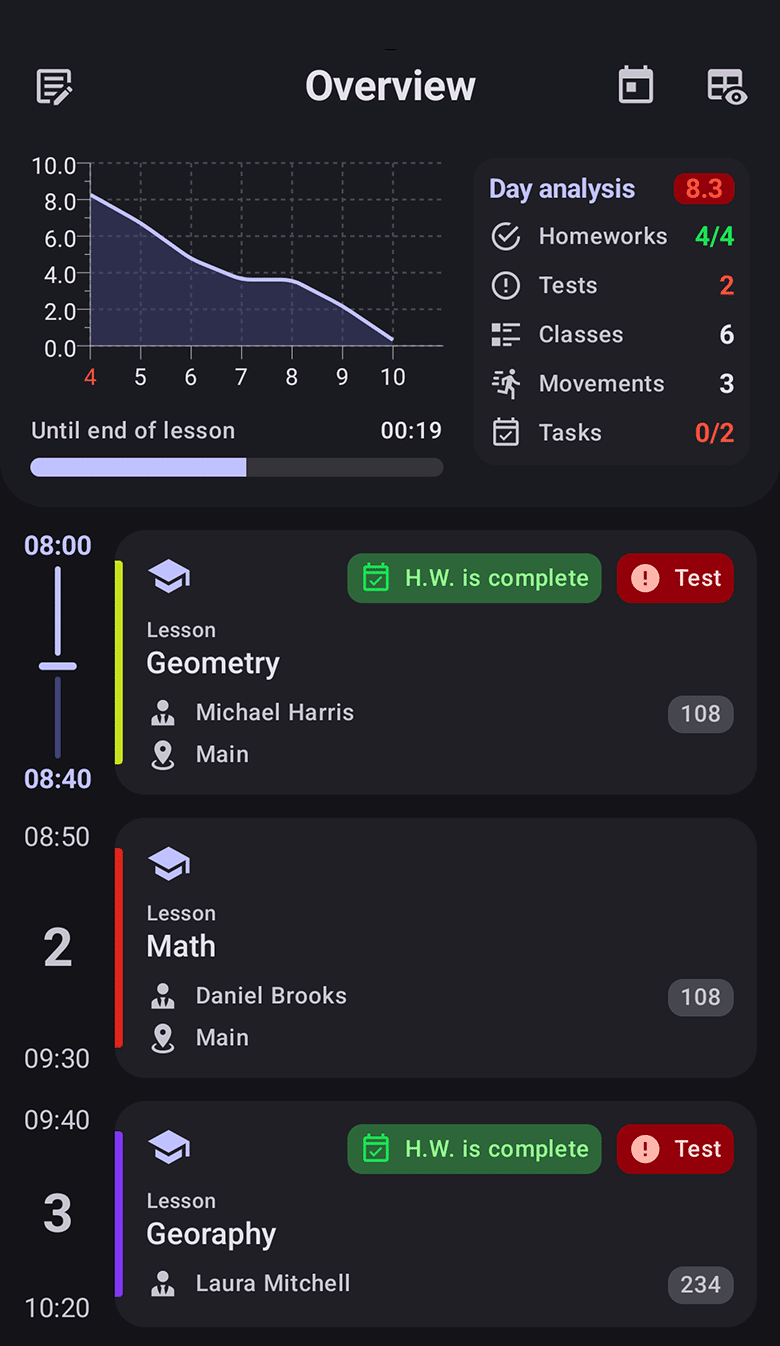
Active class on home screenAlways highlights the ongoing lesson, shows time remaining until the bell, and previews the next event.
Knowledge base & TeachersStore teacher contacts, room numbers, and info for each organization separately.
StudyAssistant knows your schedule. When adding homework, it automatically suggests linking it to the next upcoming class for that subject.
Link homework directly to subjects
Timers and stopwatches for deep work sessions
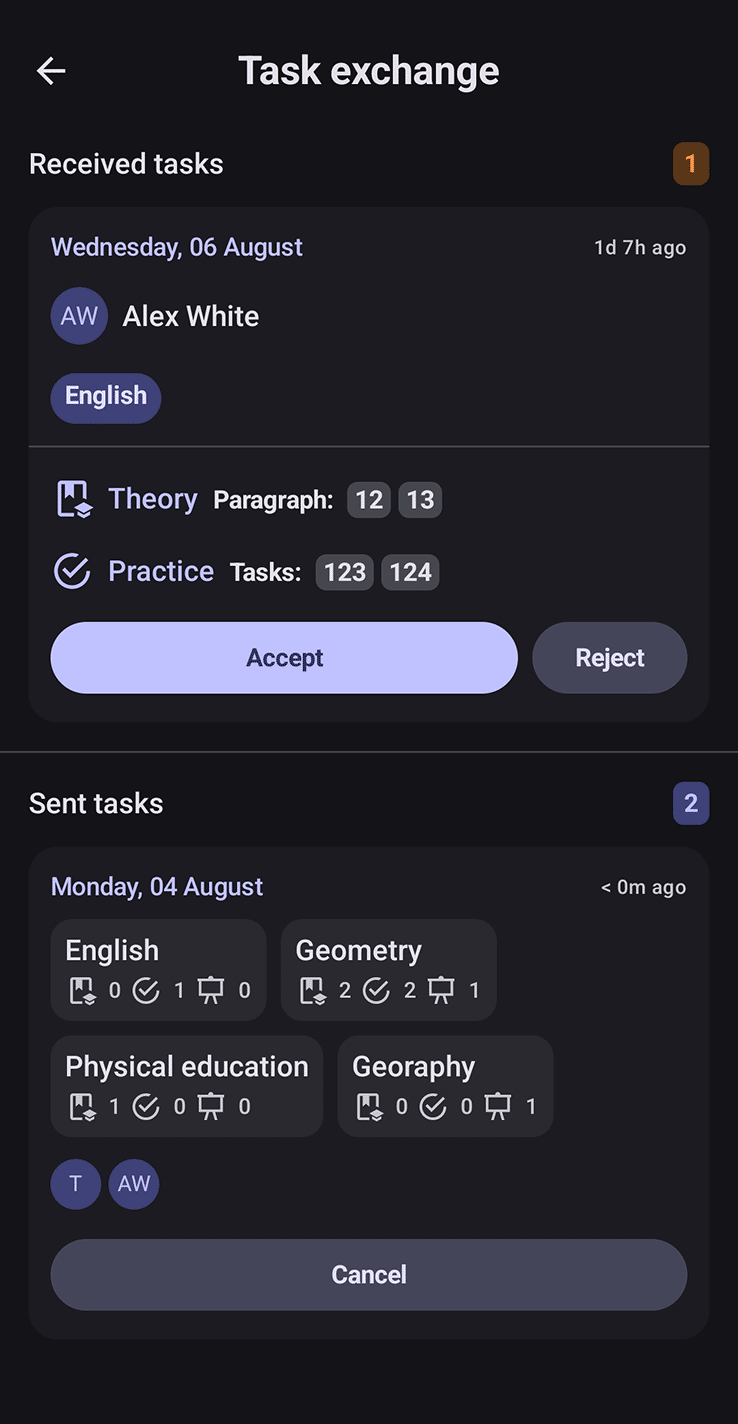
Instant import of assignments from classmates
Boost Efficiency with AI Assistant
Context-aware answers
+
The assistant 'sees' your local database. Find out your schedule or tasks just by asking in natural language.
Safe automation
+
AI can propose creating tasks or adding lessons, but nothing is written to the database without your explicit confirmation.
Recognize any grid
+
Our unique Vision parser extracts rooms, teachers, and times even from the most confusing timetable photos.
FAQ
Frequently Asked Questions
Is this app really free?Yes, completely free forever! All features are unlocked. We use tiny, non-intrusive ads (which can be disabled) just to keep our AI servers running.
Do I need to create an account?No. We don't ask for your email or phone number. The app is Offline-First — download it and start using it immediately.
How does the Photo Import work?Upload a picture of a schedule board. Our Vision model analyzes the grid, extracts subjects, subgroups, and rooms, allowing you to save it with one tap.
Can anyone see my data?Your data is encrypted and stored locally. The internet is only used when you chat with AI, scan a photo, or share a link.
Can I transfer my schedule to another phone?Absolutely! Generate a temporary QR code or short link to transfer your schedule to your new phone or share it with your study group.
Who created StudyAssistant?The app is developed by indie developer Stanislav Aleshin. The best way to support the project is a store review and a GitHub star!
Free up time for what matters
Install StudyAssistant and bring order to your academic life.